
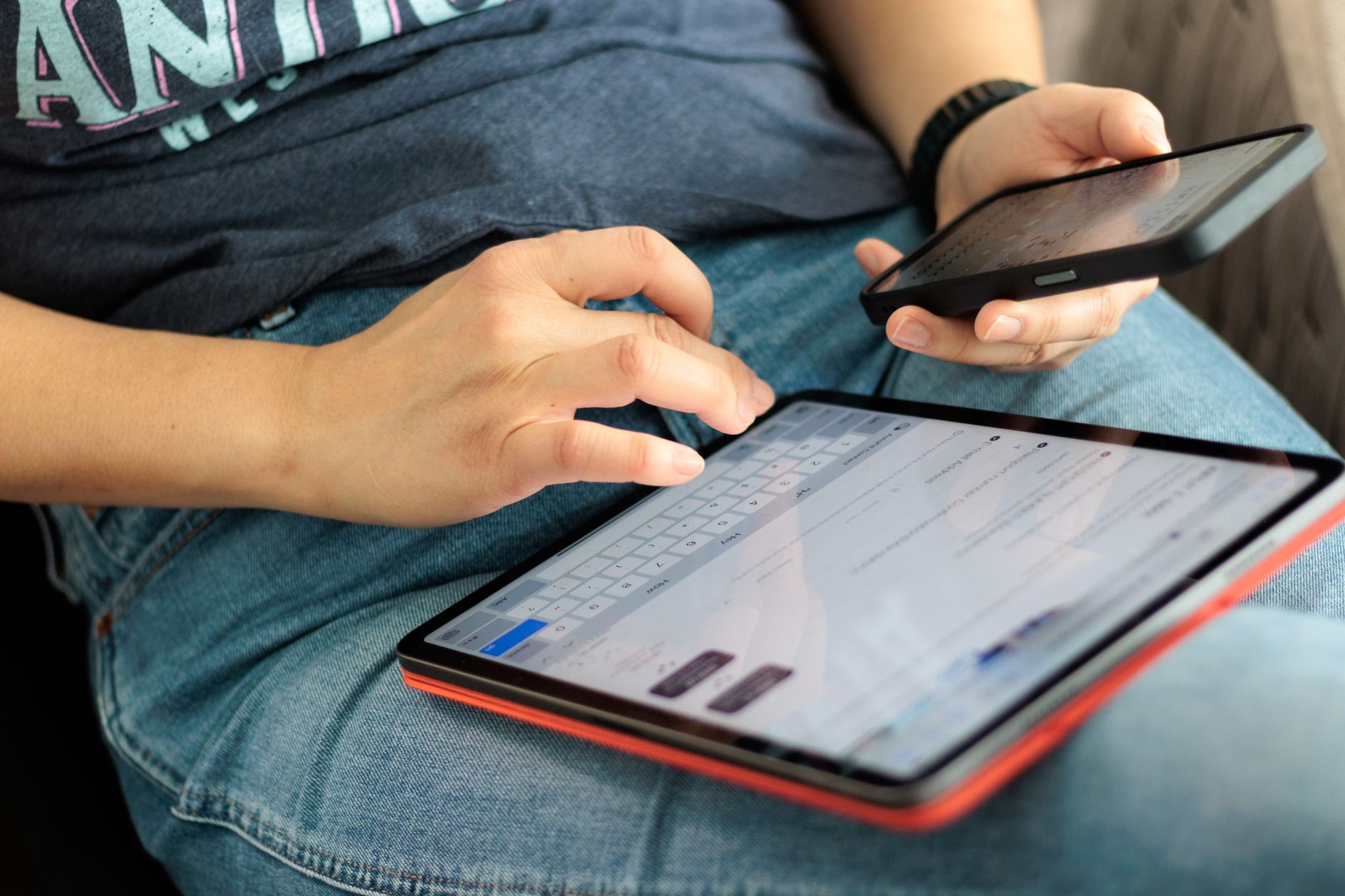
Using a mobile hotspot for Bitcoin activity feels like the sensible middle ground between risky public Wi-Fi and a trusted home connection. In most situations, it is more secure. But "more secure" doesn't mean "safe by default," and a few common mistakes can undo the advantage a hotspot gives you. Here's what every Bitcoin holder should understand before transacting over mobile data.
Why a mobile hotspot is generally safer than public Wi-Fi
A public Wi-Fi network in a café or airport is shared infrastructure. Anyone on that network can potentially intercept unencrypted traffic, and rogue access points can silently redirect connections. A mobile hotspot runs over your carrier's cellular network, which uses its own encryption layer at the radio level. There's no shared local network for a stranger to sit on.
That structural difference matters. When you connect your laptop or tablet to your phone's hotspot, your traffic travels from your device to your phone, then over 4G or 5G to your carrier's infrastructure, and out to the internet. The attack surface between you and a malicious third party is meaningfully smaller. If you've ever worried about public Wi-Fi risks when using Bitcoin, a hotspot genuinely addresses the most serious ones.
Still, three distinct risks remain, and each one can catch careful users off guard.
Three risks hotspot users often overlook
1. Device-level malware doesn't care about your connection type
If either device, the hotspot phone or the connected laptop, has malware installed, the security of your network connection is irrelevant. Bitcoin clipboard hijacking attacks are a clear example: malware silently replaces a copied wallet address with an attacker's address at the point of pasting, before your transaction even touches the network. A spotless hotspot connection won't stop that. Both devices need to be clean.
2. Your hotspot password can be weak or shared
Many people set their mobile hotspot password once and never change it. If that password is short, guessable, or shared with people you no longer trust, someone physically nearby can join your hotspot and position themselves on the same local network as your connected devices. It's not the same as sitting on a public Wi-Fi network, but it's closer than it sounds. Use a long, random hotspot password, and change it if you've ever shared it.
3. SIM-based attacks can compromise the connection at source
A mobile hotspot's security rests on your SIM card and phone number. SIM swap fraud is a real and documented threat: an attacker convinces your carrier to transfer your number to a SIM they control, taking over your mobile connection entirely. If your Bitcoin exchange uses SMS-based two-factor authentication and your SIM is compromised, a stolen hotspot connection is the least of your problems. McLeod Pacific Investments strongly recommends using an authenticator app instead of SMS for any Bitcoin account. For a full breakdown of this threat, read about how to protect your Bitcoin from SIM swap fraud.
Practical steps for safer hotspot use
These steps take under ten minutes to implement and cover the most common failure points.
- Set a strong hotspot password. At least 16 characters, mixing letters, numbers, and symbols. Don't use your name, address, or anything you've used elsewhere.
- Turn the hotspot off when you're not using it. An always-on hotspot is a persistent, discoverable target. Disable it the moment you're done.
- Keep your phone's operating system updated. Carriers push security patches regularly. An out-of-date phone has known vulnerabilities that attackers can target at the carrier level.
- Use a VPN on the connected device. A VPN encrypts traffic from your laptop before it leaves your device, adding a second layer even if something goes wrong further up the chain. Make sure you're using a reputable, paid provider, not a free service.
- Avoid logging in to new Bitcoin accounts or exchanges over a hotspot. Save sensitive account setups, such as creating a new wallet or enabling withdrawal whitelists, for a trusted, private network at home.
What you should and shouldn't do over a hotspot
Not all Bitcoin actions carry the same risk. Checking your portfolio balance or reviewing transaction history is lower risk than sending funds to a new address. Sending Bitcoin to an address you haven't used before deserves extra caution regardless of the network you're on. Always verify the full address character by character, not just the first and last few digits. Never rush a transaction because you're on a limited data plan or in a hurry to disconnect.
Downloading wallet software or updating exchange apps over a hotspot is also worth pausing on. Malicious updates are rare but documented, and a compromised network could theoretically redirect a download. Where possible, do these on a network you fully control.
The role of your Bitcoin wallet type
The wallet you use matters as much as the network. A hardware wallet keeps private keys offline entirely. Even if your hotspot connection were intercepted, the keys never leave the device. Software wallets on a connected phone or laptop are exposed to any vulnerability on that device. If you're regularly transacting over mobile connections, consider whether a hardware wallet is the right next step. McLeod Pacific Investments offers guidance on choosing and setting up storage options suited to your activity level.
Mobile hotspots are a practical, genuinely useful option for Bitcoin holders who need to transact away from home. Treat them as a better option than public Wi-Fi, not as a fully private connection, and the risks stay manageable.