
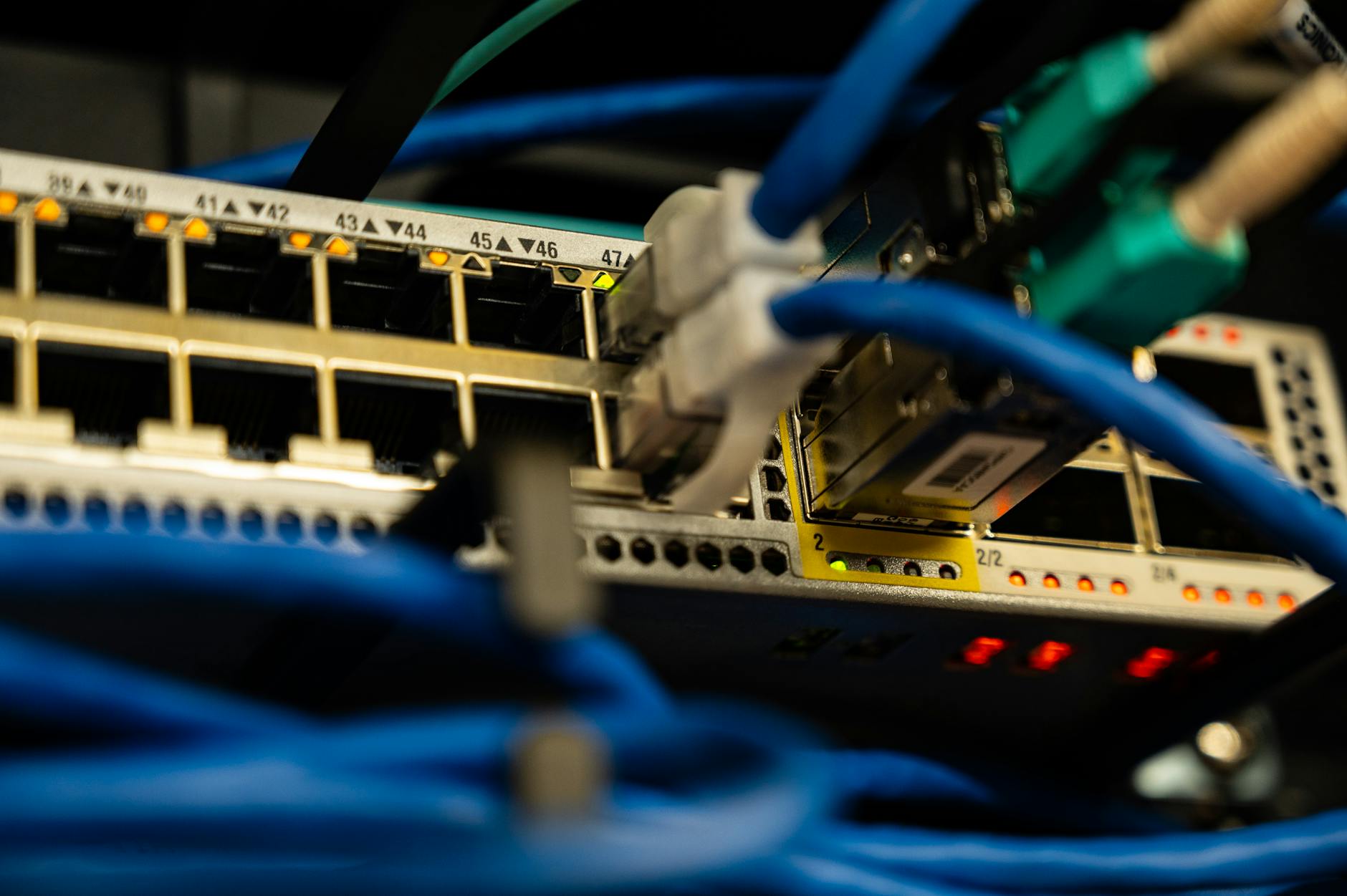
Open-source router firmware like DD-WRT and OpenWrt gives you granular control over how traffic moves across your home network. For Bitcoin holders, that control is worth understanding properly. A misconfigured open-source router can create a false sense of security, while a well-configured one genuinely reduces your attack surface. The difference comes down to four or five specific settings that most guides never mention.
Why open-source routers matter for Bitcoin security
Factory router firmware is a black box. You don't know what telemetry the manufacturer is sending, which ports are silently open, or whether the firmware has been patched against known vulnerabilities in the past two years. Open-source firmware removes that ambiguity. Every setting is visible. Every service you don't enable simply doesn't run.
That matters because your home network is the first layer of defence for any Bitcoin activity, whether you're signing transactions on a hardware wallet, running a node, or accessing an exchange. The network itself isn't holding your funds. But it is the pipe through which your activity travels, and an attacker who can see that traffic can learn a lot.
McLeod Pacific Investments recommends treating your router configuration as seriously as your wallet configuration. Both are part of the same security posture.
What to configure before you use Bitcoin on your router
Start with firmware updates. Open-source projects push security patches regularly, and running an outdated build defeats the purpose. Check your installed version against the latest stable release for your router model before doing anything else. This takes five minutes and closes vulnerabilities that attackers actively probe.
Next, disable every service you aren't using. Open-source firmware often ships with SSH, Telnet, and remote management enabled for convenience. Turn all three off unless you have a specific reason to keep one active. Each open service is a door. Fewer doors means fewer problems.
Set a strong admin password. Not the router's Wi-Fi password. The admin panel password. Default credentials on consumer-grade routers are publicly documented and trivially tested by automated scanners. A 20-character random string here takes thirty seconds to set and never needs to be typed again if you save it in a password manager. On the topic of password management, the guidance in our article on how to safely use a password manager for Bitcoin accounts applies directly here.
Enable WPA3 if your devices support it. WPA2 is still adequate, but WPA3's Simultaneous Authentication of Equals handshake removes the pre-shared key weaknesses that offline dictionary attacks exploit. If any device on your network can't connect under WPA3, put it on a separate VLAN rather than dropping the whole network down to WPA2.
VLANs and network segmentation
This is where open-source routers earn their advantage over consumer firmware. VLANs let you partition your network so that a compromised smart TV, games console, or IoT device can't reach the machine you use for Bitcoin.
The practical setup is straightforward. Create at least two VLANs: one for trusted devices (the laptop or phone you use for Bitcoin, your hardware wallet when it needs firmware updates) and one for everything else. Printers, smart speakers, and streaming sticks go on the second VLAN and have no path to the first. If a device on the untrusted VLAN gets infected with clipboard-hijacking malware, it can't reach your Bitcoin session on the other side.
If you're not familiar with how clipboard hijacking works in practice, the article on how to recognise a Bitcoin clipboard hijacking attack explains the mechanics in detail. The takeaway relevant here: segmentation at the router level stops lateral movement even when malware is already on your network.
DNS configuration and logging
Open-source firmware lets you specify your own DNS resolver rather than defaulting to your ISP's servers. Your ISP's DNS logs every domain you query, and those queries reveal a lot: which exchange you use, whether you're running a node, which block explorer you check. Switching to an encrypted DNS resolver (DNS-over-HTTPS or DNS-over-TLS) removes that visibility from your ISP.
OpenWrt supports DNS-over-HTTPS natively through its stubby or https-dns-proxy packages. DD-WRT handles it through a custom dnsmasq configuration. Neither setup takes more than fifteen minutes. Use a resolver that publishes a no-logging policy and is based in a jurisdiction with strong privacy law.
While you're in the DNS settings, enable local query logging temporarily. Review which devices are querying which domains. You will almost always find something unexpected: a device phoning home to an ad network or a manufacturer server you never authorised. Knowing that before it touches your Bitcoin session is far better than knowing it after.
What open-source routers still can't protect you from
A well-configured router hardens your network perimeter. It doesn't protect you from attacks that bypass that perimeter. Phishing emails arrive through your router without triggering a single firewall rule. Malware downloaded directly from a compromised website lands on your machine regardless of VLAN configuration. A hardware wallet with a compromised firmware update applied over a clean network is still a compromised hardware wallet.
Router security is one layer. It works best when combined with device-level hygiene: keeping operating systems patched, using a hardware wallet for cold storage, and verifying every address before you send. The network can't protect a wallet that's already been compromised at the device level.
Open-source firmware gives you real tools for real threats. Configure it deliberately, update it regularly, and treat it as one component of a layered defence rather than a complete solution on its own.