
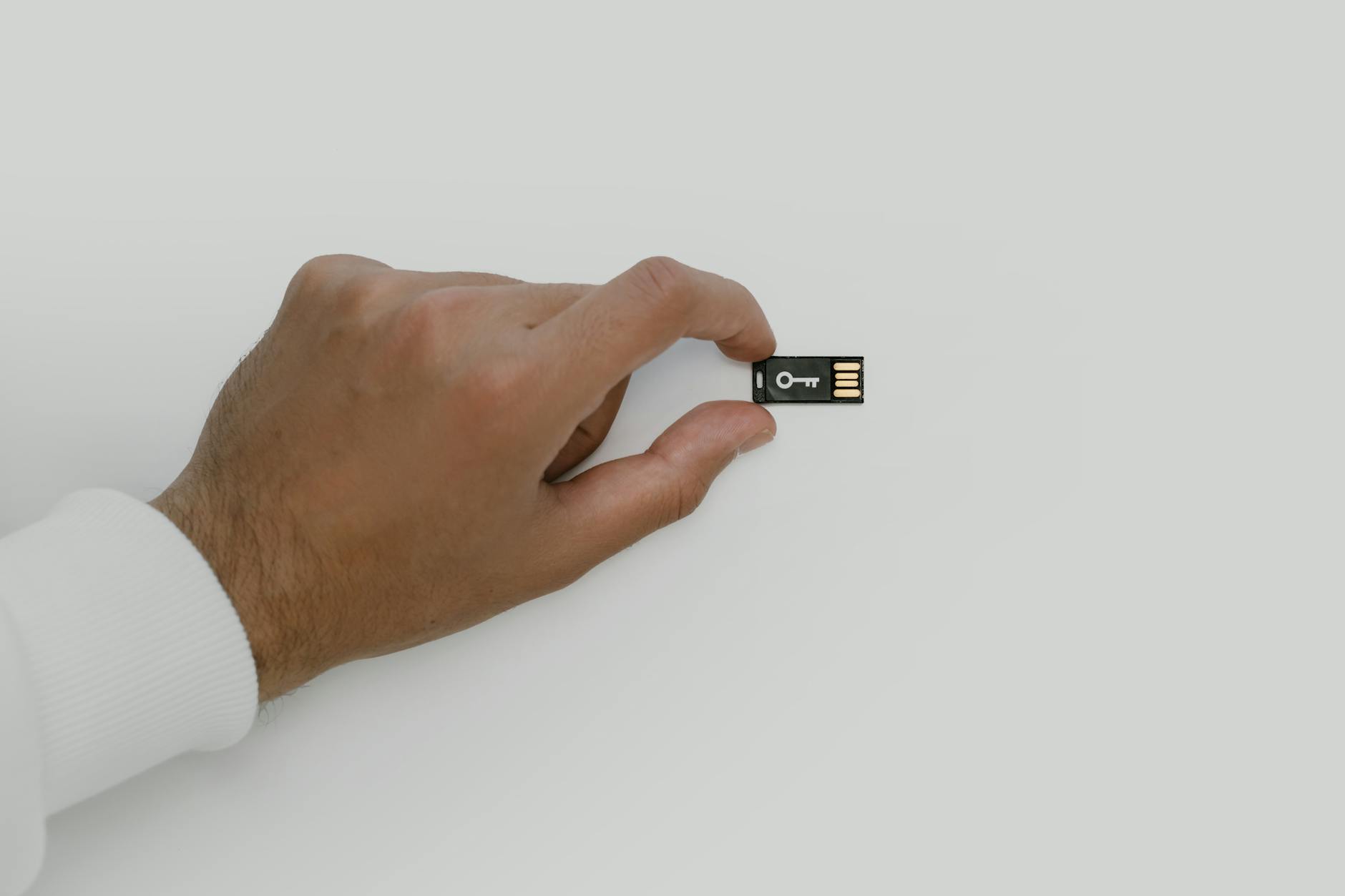
Self-custody is the idea behind the phrase "not your keys, not your coins." When you hold Bitcoin on an exchange, that exchange controls the private keys. When you self-custody, you hold the keys yourself, and nobody can freeze, seize, or misplace your funds. That's the upside. The downside is that every mistake is yours to carry. This checklist is designed to help you get it right from the start.
What self-custody actually means
Self-custody means holding the private key (or the seed phrase that generates it) entirely yourself, with no third party between you and your funds. Most beginners start on an exchange, which is fine for small amounts and short periods. Past a certain threshold, though, keeping Bitcoin on a platform you don't control is a risk worth eliminating. McLeod Pacific Investments recommends that holders who are serious about long-term storage understand the self-custody process before moving significant amounts off exchange.
The process has three parts: generating a wallet securely, backing up the seed phrase correctly, and keeping your setup updated over time. Each part has failure points that aren't obvious until something goes wrong.
Step 1: choose the right wallet type
Hardware wallets are the standard recommendation for self-custody. Devices like the Ledger Nano and Trezor keep your private key offline, away from any internet-connected software that could be exploited. Software wallets on your phone or computer are more convenient but expose your keys to operating system vulnerabilities, malware, and accidental backup to cloud services.
If you're setting up a hardware wallet for the first time, follow a step-by-step process before moving any meaningful amount of Bitcoin across. It's worth sending a small test transaction first to confirm the wallet generates addresses correctly and that you understand how to receive funds.
For a full walkthrough, McLeod Pacific Investments has a dedicated guide on how to set up a Bitcoin hardware wallet step by step that covers device verification, PIN setup, and address confirmation in plain language.
Step 2: generate your seed phrase securely
Your seed phrase (usually 12 or 24 words) is the master backup for your entire wallet. If your hardware device is lost, destroyed, or stops working, those words are how you recover every satoshi. That makes the moment of generation the most sensitive in the entire self-custody process.
Three rules apply here. First, generate the seed phrase on a device that has never connected to the internet, or on a hardware wallet that handles generation internally. Second, never let the words appear on a screen that could be photographed by a camera, a webcam, or a smart device with a lens pointed at it. Third, do not type the words into any phone, computer, or cloud document, ever.
Understanding what a seed phrase is and why it matters is foundational before you handle one. The short version: whoever has those words has your Bitcoin, unconditionally.
Step 3: back up the seed phrase physically
Paper is the most common first backup, but it's also fragile. A house fire, a flood, or a decade of humidity can destroy a paper backup completely. Metal backups stamped or engraved with the seed words are far more durable and are now the recommended standard for anyone holding more than a few hundred dollars in Bitcoin.
Keep at least two physical copies of your seed phrase in separate physical locations. A safe at home and a second copy with a trusted family member, or in a bank safe-deposit box, are both practical options. The locations should not be obvious to anyone who might search your property.
Step 4: verify the backup before you rely on it
Most holders skip this step. Don't. After writing down your seed phrase, use the wallet's built-in verification feature to confirm the words you recorded match the wallet's master key exactly. Some hardware wallets prompt you to re-enter the words during setup. If yours doesn't, do a manual spot-check by restoring the wallet on a second device using only the backup.
A backup that has a single word wrong is a backup that won't work under pressure. Find out now, not after the device fails.
Step 5: secure the device itself
Hardware wallet security doesn't stop at the seed phrase. The device PIN should be at least 8 digits and different from any PIN you use elsewhere. Some devices wipe themselves after a set number of incorrect PIN entries. Know how yours behaves. Store the device somewhere it won't be found easily if someone searches your home, and keep it away from strong magnets and liquids.
If you travel with a hardware wallet, be aware that border inspections can include device examination. A device with no transaction history and a PIN that wipes after failed attempts is much safer in transit than one loaded with visible holdings.
Step 6: test a recovery before you need one
Once a year, run a recovery test. Use your seed phrase backup to restore your wallet on a spare device (or wipe and restore your primary device). Confirm that all addresses and balances appear correctly. This tells you three things: your backup is readable, the words are in the correct order, and you still know where you stored it.
If the test fails, you find out while you still have access to the original device and can generate a fresh wallet with a new backup. That's a recoverable situation. Discovering the backup is wrong only after the device is gone is not.
Step 7: plan for what happens if you can't act
Self-custody creates a problem that exchange accounts don't: if you're incapacitated or die without leaving instructions, your Bitcoin may be permanently inaccessible. This is a more common outcome than most holders want to think about.
Bitcoin inheritance planning doesn't need to be complex. A sealed letter with instructions on where to find the seed phrase backup and how to use it, stored with your legal documents, is a practical starting point. Some holders use a multisig setup so that a trusted second person holds one of the required keys without having unilateral access. McLeod Pacific Investments has a detailed article on Bitcoin inheritance planning that covers the options available to Australian holders.
Common mistakes to avoid
A few mistakes show up repeatedly among new self-custody holders. Storing the seed phrase digitally in any form, including a photo, a note app, or an email draft, is the most frequent. Keeping only one physical backup copy is the second. Using a wallet generated by an unverified app downloaded from a search result (rather than the manufacturer's official site) is the third.
Fake wallet apps are a genuine threat. Before downloading any wallet software, verify the app developer name against the manufacturer's official website directly. The guide on spotting fake Bitcoin wallet apps explains exactly what to check before you trust an application with your keys.
Self-custody rewards the methodical. Work through each step in order, verify each one before moving on, and revisit the whole checklist once a year. The effort is front-loaded. Once it's done correctly, you hold Bitcoin the way it was designed to be held.