
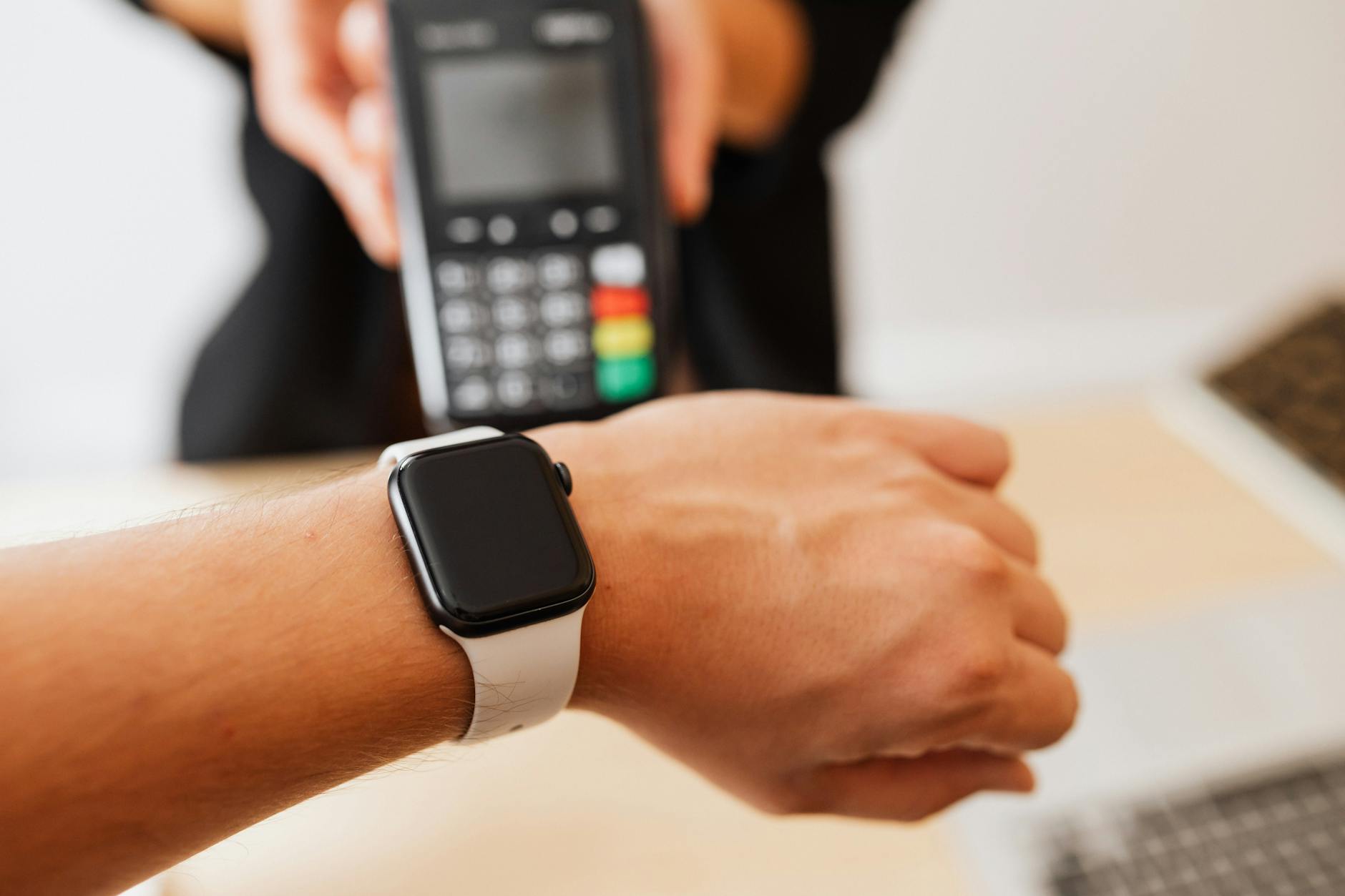
Bitcoin on a smartwatch sounds convenient. Check a balance, approve a small transaction, scan a QR code from your wrist. The reality is that smartwatches are among the least-considered attack surfaces in a Bitcoin holder's life, and the habits that make them useful are exactly the habits that make them risky. If you've started using a wearable device alongside your Bitcoin activity, a few specific precautions can make the difference between convenience and a serious security incident.
Why smartwatches create unique Bitcoin risks
A smartwatch is a mirror of your phone. Most wearables sync notifications, app data, and authentication prompts from a paired device. That mirroring is the risk. If your phone hosts a Bitcoin wallet app, your smartwatch may display balance information, receive transaction alerts, or even relay two-factor authentication codes directly to your wrist, where anyone nearby can see them.
Screen-on time is the first problem. A smartwatch wakes its display when you raise your wrist or when a notification arrives. In a crowded space, a balance figure or a one-time passcode can be read by someone standing half a metre away. You won't notice. The device is designed to be glanced at, not guarded.
Bluetooth is the second problem. The connection between a smartwatch and its paired phone runs over Bluetooth, a protocol with a documented history of interception vulnerabilities. McLeod Pacific Investments recommends treating any Bluetooth-connected device as a potential relay point for sensitive data. That doesn't mean Bluetooth is broken. It means proximity matters: in airports, shopping centres, and public transport, Bluetooth traffic is more exposed than it is at home.
The third problem is storage. Some smartwatch apps cache data locally on the device itself, including notification history. A watch that stores past notifications may hold a record of authentication codes, incoming payment alerts, or wallet app confirmations. If the watch is lost or stolen, that cached data can be accessed without unlocking the phone it was paired to.
What you should never do on a smartwatch
There are three categories of Bitcoin activity that don't belong on a wearable device at all.
The first is approving transactions. No legitimate Bitcoin workflow requires you to confirm a payment from a smartwatch. If a wallet app or exchange sends a transaction approval prompt to your wrist, decline it there and go to your phone or computer to review the full details. A small screen with a truncated address is not a safe confirmation environment. Verifying a Bitcoin transaction before you send requires seeing the complete destination address, not a cropped version on a 1.5-inch display.
The second is reading authentication codes in public. If your Bitcoin exchange or wallet app sends 2FA codes as notifications, those codes will appear on your watch face in many setups. Disable notification mirroring for any app that handles authentication codes. On Apple Watch, you can do this per-app in the Watch app on iPhone. On Wear OS devices, control this through notification management in your phone's settings.
The third is using a watch-based wallet app for anything other than receiving very small amounts. Watch-native wallet apps do exist, primarily for Lightning Network micropayments. They are convenient for paying a few dollars at a café. They are not suitable for storing meaningful balances, and they should never hold more than you'd carry in a physical coin purse.
Settings to change right now
If you use a smartwatch and hold Bitcoin, check these settings today:
- Disable wrist-raise for sensitive apps. Most smartwatch operating systems let you require a PIN or confirmation before showing certain app data. Enable this for any app connected to your Bitcoin activity.
- Turn off notification mirroring for wallet and exchange apps. These apps don't need to send notifications to your watch. Keeping them phone-only reduces the surface area for shoulder surfing.
- Set a watch lock PIN or passphrase. A watch without a lock is an open book if someone picks it up. Most wearables support a PIN that activates when the watch is removed from your wrist.
- Disable Bluetooth when you're in a high-risk environment. Airports, conferences, and large public spaces are worth the extra step of turning Bluetooth off temporarily if you're not actively using it.
The risks on public Wi-Fi extend to paired devices
A point that gets little attention: when your phone connects to a public Wi-Fi network, the data flowing between your phone and the internet can potentially include synced data to your paired watch. The watch itself isn't on the Wi-Fi network, but the phone it mirrors is. This is an often-overlooked aspect of public Wi-Fi risks when using Bitcoin. If you're using an unsecured network and your wallet app is active in the background, any sync event between the app and its server passes through that network.
Using a VPN on your phone partially mitigates this, but the safest approach is to close wallet and exchange apps before connecting to public Wi-Fi, and reopen them only when you're back on a trusted connection.
Smartwatches and physical security
Smartwatches are physically exposed in a way phones rarely are. A phone lives in your pocket. A watch is worn on your wrist, face-up, in plain sight. That visibility matters.
If someone near you sees a transaction approval or a wallet balance on your display, you've disclosed information you can't take back. Wealth display is itself a security risk: people who know you hold crypto become a vector for social engineering or targeted theft. Keep watch notifications for Bitcoin-adjacent apps minimal. If you don't need to see it on your wrist, turn it off.
There's also the scenario of the watch being removed. Gym lockers, beach trips, any situation where you leave the watch unattended creates an opportunity for someone to examine the notification history, review cached app data, or pair the device to a different phone if your pairing lock isn't set. McLeod Pacific Investments treats physical security as seriously as digital security, and for wearable devices the two are the same concern.
A practical approach to wearables and Bitcoin
The right way to think about a smartwatch is as a read-only, low-stakes device. Use it to check a Bitcoin price alert. Use it to accept an incoming Lightning payment for coffee. Don't use it to approve outgoing transactions, review seed phrase backups, or receive 2FA codes in a public space.
Your primary security stack, including your hardware wallet, your seed phrase storage, and your exchange authentication, should all live on devices with full screens, proper keyboards, and deliberate security configurations. A smartwatch is a peripheral. Treat it like one.
For holders who are newer to thinking about layered device security, the Bitcoin security checklist covers the foundation: from wallet setup to two-factor authentication to what not to store on internet-connected devices. Smartwatches are a natural extension of that thinking, not an exception to it.