
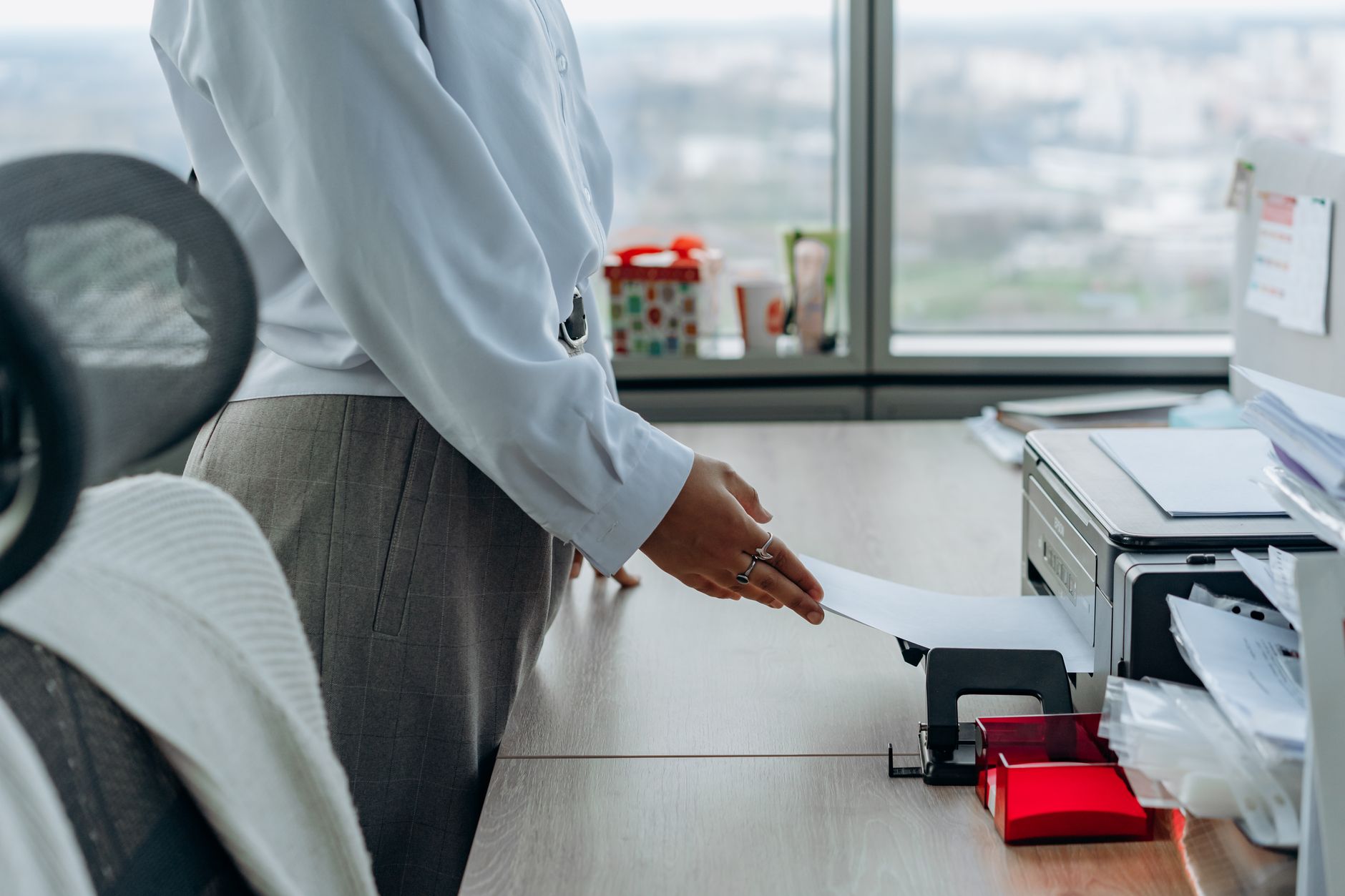
Printing Bitcoin wallet information is one of those tasks that feels completely harmless until something goes wrong. A printed seed phrase or private key looks like a piece of paper. It is actually the master key to your funds. The risks don't start when the page lands in the wrong hands. They start the moment you press print.
Why printing creates risks most holders don't expect
Consumer printers are not designed with cryptocurrency security in mind. Most modern printers store recent jobs in internal memory, and some models cache documents on a built-in hard drive for days or weeks. Anyone who accesses that printer later, whether a flatmate, a repair technician, or a buyer if you sell it, could potentially extract what you printed. That's a serious exposure for something as sensitive as a seed phrase or private key.
Network printers add another layer of risk. If your printer is connected to a Wi-Fi network shared with others, the print job itself can be intercepted in transit. This applies to printers at home shared across devices, and especially to printers at offices, libraries, or hotels. The rule here is simple: never use a shared or networked printer to print Bitcoin wallet information.
The software path matters too. If you open a wallet document in a browser, a cloud-connected PDF viewer, or any application that auto-saves or syncs, your wallet data may leave your device before a single page is printed. Use an offline, air-gapped machine wherever possible, and print only through a direct USB connection to a printer with no wireless capability.
Choosing the right printer for the job
Not every printer is suitable. Here is what to look for when printing sensitive Bitcoin wallet details:
- No Wi-Fi or Bluetooth. A wired-only printer with no wireless radio eliminates interception during transmission.
- No internal storage. Older laser and inkjet printers are less likely to cache jobs. Check your printer's manual or the manufacturer's support page before you use it.
- Not shared with other users or devices. The printer should be connected to one machine for this task only.
If you own a basic inkjet printer used solely at home, and it connects via USB with no network capability, it's a reasonable option. If you're unsure whether your printer stores print jobs, assume it does.
Preparing to print safely
Before you print anything, disconnect the printing computer from the internet. Disable Wi-Fi, unplug the Ethernet cable, and turn off Bluetooth. This prevents any application from syncing your document to a cloud service during the process.
Type or transcribe your seed phrase or key directly into a simple text editor, not a word processor that auto-saves to the cloud. On Windows, Notepad works. On macOS, TextEdit in plain text mode is fine. Do not email the document to yourself, do not save it to a USB drive that connects to other machines, and do not open it in any application with a recent-files list that others might access later.
Print exactly one copy unless you need a second for a specific backup purpose. Each additional copy is another surface that can be found, photographed, or stolen. McLeod Pacific Investments recommends thinking of a printed seed phrase the same way you would treat a signed blank cheque: it's valid the moment it exists, regardless of who holds it.
What to do immediately after printing
Once the page is in your hands, delete the document from your computer immediately. Empty the trash or recycle bin. If the document was opened in any application, clear that application's recent-files history. Then clear the printer's job queue and, if your printer has a display or settings menu, look for an option to clear stored jobs or reset the print buffer.
Store the printed page in a sealed, opaque envelope inside a secure physical location. A fireproof safe is the standard recommendation. Avoid filing cabinets, desk drawers, or bookshelves where others might browse. If you're thinking about longer-term durability, a metal backup is far more resilient than paper against fire and water damage, and is worth considering as a complement or replacement to a printed copy.
Do not laminate the page immediately after printing. Lamination traps moisture and can cause inkjet ink to smear or fade over time. If you do laminate, wait at least 48 hours and test a non-sensitive print first to confirm the ink is stable.
Paper wallets: a specific case worth understanding
Some holders print what's known as a paper wallet: a page containing both a public address and a private key, often as QR codes. Paper wallets were a popular cold storage method several years ago, but they carry specific risks that most modern alternatives don't. A paper wallet is only as secure as the environment in which it was generated and printed. If the generator site was online, if the browser cached the page, or if the printer stored the job, the private key may already be compromised before the ink dries.
If you use a paper wallet approach, generate the key pair on an air-gapped machine using open-source, locally-run software. Never use an online paper wallet generator. And understand that once you spend from a paper wallet, the full balance should be swept to a new address, as partial spends expose the key in ways that make the remainder vulnerable.
For most holders, a dedicated hardware wallet combined with a securely stored physical backup of the seed phrase is a more reliable approach than printing wallet keys directly. The setup process for a hardware wallet is straightforward and eliminates most of the printer-related risks covered here.
The physical environment matters as much as the device
Security cameras are in more places than most people notice. Before printing wallet details, consider whether there are cameras in the room that could capture your screen or the printed page. This applies to home offices with smart displays or security cameras pointed toward desks, as much as it does to shared spaces.
Tell no one that a printed copy of your wallet exists. Not because the people around you are untrustworthy, but because the fewer people who know a physical record exists, the smaller the surface for social engineering. If someone knows you have a printed seed phrase in a safe, that information alone is enough to make you a target. Bitcoin social engineering attacks frequently begin with exactly this kind of knowledge.
Treat the printed copy as a one-time record. Review your security posture annually and consider whether the printed backup still makes sense given changes to your living situation, your printer, or who has access to your home.