
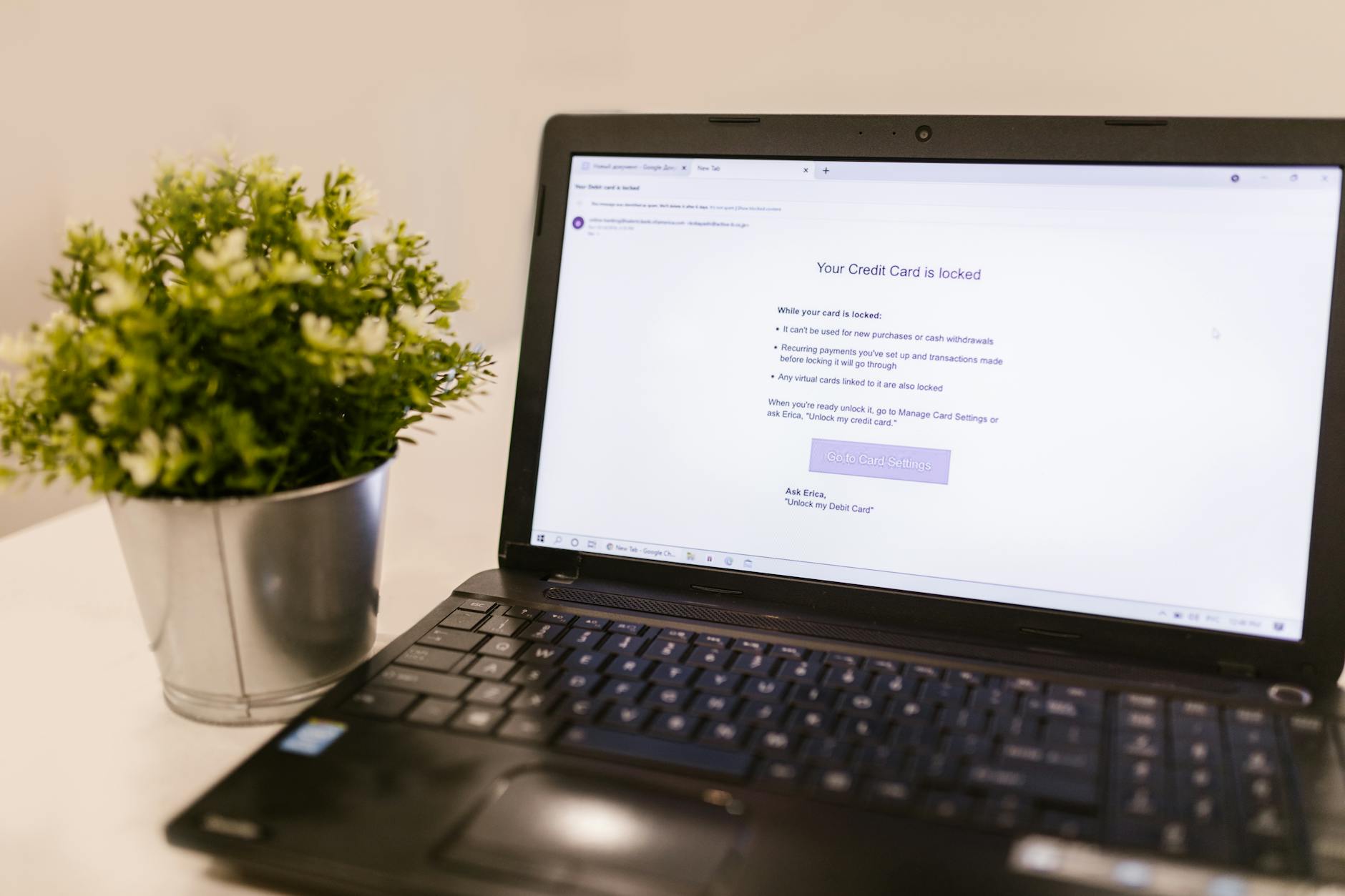
Email is the most common communication tool most people own, and it's also one of the most dangerous places to handle Bitcoin-related information. Addresses typed into message bodies, seed phrase screenshots attached to drafts, exchange confirmation emails left unread in an inbox for years — each of these creates an exposure point that attackers actively look for. Understanding exactly where the risk sits lets you use email sensibly without abandoning it entirely.
Why email and Bitcoin are a risky combination
Standard email is not encrypted end-to-end. When you send a message through Gmail, Outlook, or any major provider, the email passes through servers that the provider can read. If your account is compromised, every message you've ever sent or received is available to whoever got in. That's a serious problem when you've used email to communicate wallet addresses, transaction confirmations, or exchange account details.
There's a second risk that's less obvious: metadata. Even if the content of an email is encrypted, attackers who gain access to your account can read your subject lines, see which services you've signed up for, and identify your exchange accounts from confirmation emails. That information alone is enough to launch a targeted Bitcoin social engineering scam against you.
Phishing is the most common attack vector. A convincing email that appears to come from your exchange, your wallet provider, or even a contact you trust can redirect you to a fake site that harvests your login credentials. Once an attacker has your exchange email and password, they're one SMS intercept away from your funds.
What you should never send by email
The rule here is short: never send any Bitcoin wallet data by email under any circumstances. That includes:
- Your seed phrase or any individual words from it
- Private keys in any format
- Wallet backup files or QR code images of private keys
- Passwords to hardware wallet companion apps
Sending a Bitcoin receiving address is lower risk, since an address is public information by design. But even then, be careful about which address you share and with whom. Attackers who can read your email can see which addresses you use repeatedly, making on-chain activity easier to trace.
Your seed phrase in particular should never be digital. If you're still working out the safest way to back that up offline, the Bitcoin seed phrase storage guide on this site covers the options in detail.
Securing the email account that's linked to your exchange
Every exchange account you hold is tied to an email address. That email address is the master key. Anyone who controls it can request a password reset, bypass most account security, and drain your exchange balance. Treat it accordingly.
Use a dedicated email address for crypto activity only. Don't use it for newsletters, shopping, or social sign-ins. The fewer places that address appears, the harder it is to phish. Create it with a privacy-focused provider like Proton Mail, which encrypts messages at rest and doesn't require personal information to register.
Enable two-factor authentication on that email account using an authenticator app, not SMS. SMS-based verification can be bypassed through SIM swapping, which is one of the most reliable methods attackers use to take over crypto accounts. Use Google Authenticator, Aegis, or a hardware key like a YubiKey instead.
Review your account recovery options. Many email providers let you set a backup email or phone number for account recovery. If those recovery options are less secure than the account itself, they become the weakest link. Remove phone-number recovery entirely if the provider allows it.
Spotting phishing emails before they catch you
Phishing emails targeting Bitcoin holders have gotten sophisticated. Some mimic exchange communications well enough to fool experienced users. A few checks to run on every crypto-related email you receive:
Check the sender domain carefully. A legitimate message from an exchange will come from its official domain, not a lookalike. "support@coinbase-security.com" is not Coinbase. The full domain matters, not just the display name. Most email clients let you hover over the sender name to see the raw address.
Don't click links inside emails. Go directly to the exchange or wallet provider's site by typing the URL yourself, or using a bookmark you set up the first time you visited. This is the single most effective habit for avoiding phishing. It takes two extra seconds and eliminates an entire class of attack.
Watch for urgency. Phishing emails almost always create time pressure: your account is being closed, a suspicious transaction was detected, you must verify within 24 hours. Genuine exchange security alerts don't require you to click a link or provide your password. If an email asks for either, it's a scam.
Handling exchange confirmation emails safely
Withdrawal confirmation emails are legitimate and useful. They tell you a transaction was sent, give you a transaction reference, and sometimes include the destination address. But they're also a record of your Bitcoin activity sitting in a server-side inbox indefinitely.
Delete confirmation emails after you've verified the transaction on the blockchain. You don't need them archived. If you want a record of a transaction, note the transaction ID separately. Understanding what a transaction ID actually tells you is worth knowing — there's a full explainer on what a Bitcoin transaction ID is and how to use it if you need it.
Set your email to not auto-download attachments. Exchange emails don't typically carry attachments, so any email that arrives claiming to be from your exchange but includes a file should be treated as malicious. Delete it immediately.
Using encrypted email when communication is necessary
There are situations where you need to communicate Bitcoin-related information by email: coordinating an inheritance arrangement, sending a receiving address to a business contact, or confirming a large purchase. In those cases, use end-to-end encrypted email.
Proton Mail encrypts messages between Proton Mail users automatically. If both parties use Proton Mail, the message cannot be read by the provider. For communication with someone on a standard provider, you can use PGP encryption, which requires both parties to exchange public keys first. It's a steeper setup but provides genuine protection for sensitive content.
For anything truly sensitive, consider whether email is the right tool at all. A secure messaging app with disappearing messages is often a better choice for exchanging short pieces of information like a receiving address.
Practical habits that reduce your exposure
Most email-related Bitcoin losses come from accumulated small mistakes rather than one catastrophic breach. Build these habits and keep them:
Use a separate browser profile or private window when accessing your crypto email account. This prevents browser extensions from reading the page content and limits cross-session tracking. Log out after every session rather than staying signed in.
Audit your inbox for old exchange registration emails, password-reset confirmations, and anything that reveals which platforms you use. Delete them. An attacker who gets into an old email account shouldn't be able to reconstruct your entire Bitcoin history from the inbox.
Never access your crypto email from a shared, public, or borrowed device. The risks there are significant and largely invisible — keyloggers, session hijackers, and uncleared browser caches can all expose your credentials without you knowing. A dedicated device for sensitive crypto activity is worth considering once your holdings reach a meaningful size.
Bitcoin email security isn't complicated, but it does require deliberate choices about what goes into a message, which account handles crypto-related correspondence, and how seriously you treat that account's own security. Apply these steps consistently and your email becomes a much smaller attack surface.