
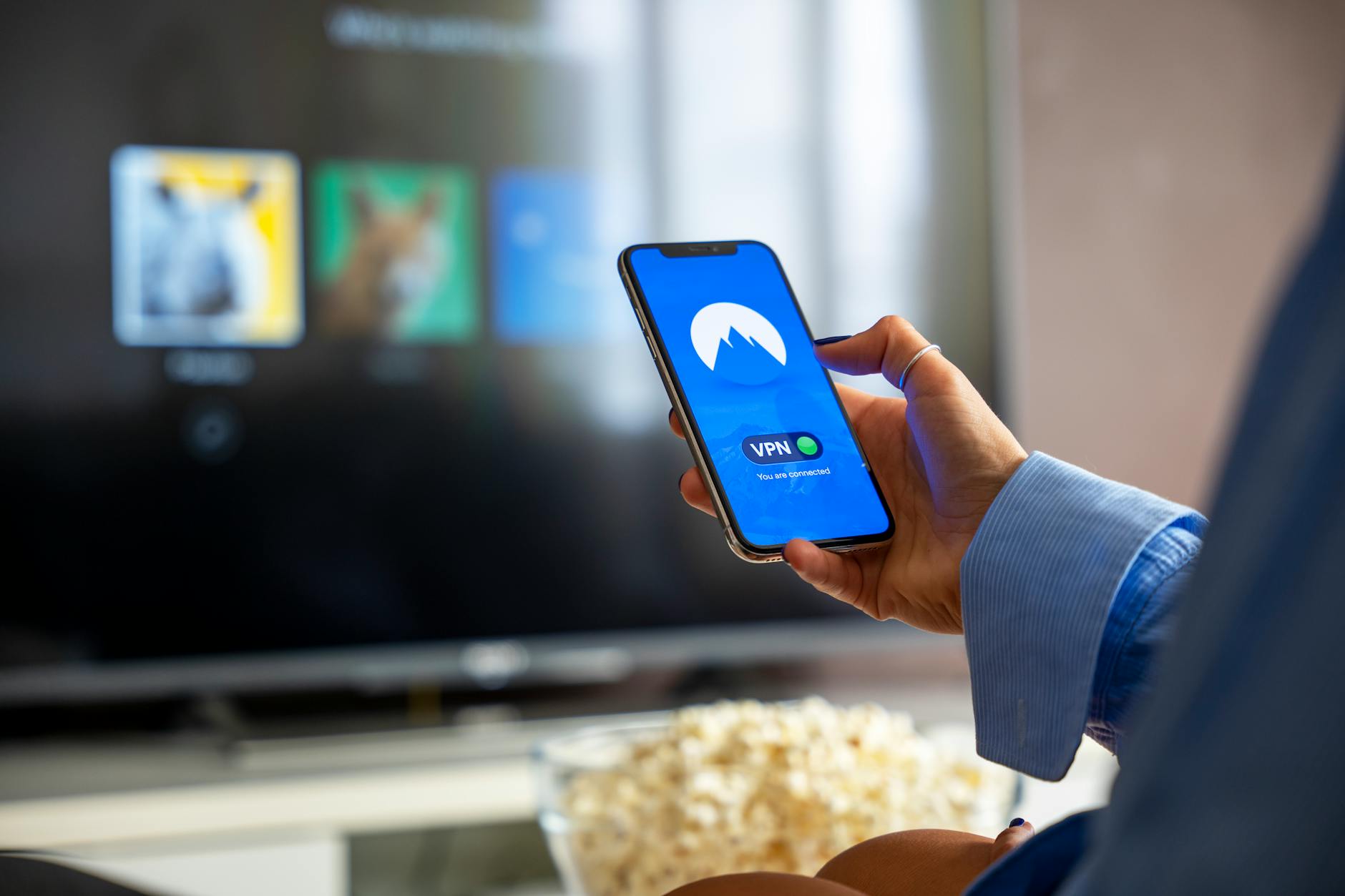
Smart TVs now run full operating systems, install third-party apps, and stay connected to your home network around the clock. That makes them a surprisingly capable surface for Bitcoin activity, but also a surprisingly exposed one. Most security guides focus on phones, laptops, and hardware wallets. The smart TV sitting in your living room rarely gets a mention, even though it shares the same Wi-Fi network as every other device you own.
Why a smart TV is riskier than it looks
The operating systems on smart TVs — Android TV, Tizen, webOS, Roku OS — receive security patches far less frequently than smartphones or computers. Some models stop receiving updates within two or three years of purchase. A TV running an unpatched OS is a device with known, unfixed vulnerabilities sitting open on your network 24 hours a day.
Smart TVs also have weaker app store moderation than mobile platforms. Fake or cloned apps slip through with more regularity. An app that looks like a legitimate Bitcoin exchange or wallet manager could be logging every keystroke you make on that wireless keyboard or remote. If you're wondering how to spot a fake Bitcoin wallet app, the same principles apply on a TV platform: check the developer name, review count, and publication date before you install anything.
Voice assistants built into most smart TVs add another layer of risk. Microphones active during a session where you're verbally reading out a seed phrase or confirming a wallet address create obvious exposure. It's not paranoia. It's basic hygiene.
The shared network problem
Your smart TV shares a home network with your phone, your laptop, and any device you use for Bitcoin. If the TV is compromised, an attacker positioned on that same network can attempt to intercept traffic from your other devices. This is the core problem with using Bitcoin on a shared home network: one weak device raises the risk level for everything else connected to it.
The practical fix is network segmentation. Most modern routers support a guest network or a separate VLAN. Putting your smart TV on an isolated network means it cannot communicate directly with devices on your primary network, even if it is compromised. Your TV still gets internet access. Your Bitcoin devices stay isolated from it.
What to avoid doing on a smart TV
Some actions carry an acceptable level of risk. Others do not. Here is where the line sits:
- Do not enter seed phrases or private keys. A smart TV keyboard input is not secure. The OS may log keystrokes, and any installed app could intercept them.
- Do not log into exchange accounts with full withdrawal permissions. If you want to check a price or view a read-only portfolio, that is lower risk. Logging in with an account that can move funds is not.
- Do not install wallet apps from unofficial sources. Sideloading APKs or installing apps from outside the official TV app store removes the last layer of moderation.
- Do not use a smart TV browser to access exchange websites. TV browsers are rarely updated, do not handle certificate pinning reliably, and are far more susceptible to session hijacking than a current desktop browser.
Clipboard risks on a connected screen
Copying and pasting a Bitcoin address on a smart TV carries the same clipboard hijacking risk as on any other device, arguably worse because TV operating systems have little to no clipboard protection. A malicious app installed on the TV can silently replace a copied address with one belonging to an attacker. The consequences are irreversible. If you're not familiar with how this works, the mechanics of a Bitcoin clipboard hijacking attack are worth understanding before you copy any address on a connected device.
The safest approach is to avoid clipboard operations for Bitcoin addresses on a TV entirely. If you need to send to a specific address, do it from a device with proper security controls.
Firmware updates and app hygiene
Check your smart TV's firmware version and update it if an update is available. Most TVs have an automatic update option buried in the settings menu. Enable it. It won't solve the underlying problem of infrequent manufacturer patches, but it ensures you're running the most recent version available.
Audit the apps installed on your TV annually. Remove anything you no longer use. Every installed app is a potential attack surface, and TV operating systems do not enforce app sandboxing as rigorously as iOS or Android.
If your TV manufacturer stopped releasing firmware updates more than 18 months ago, treat the device as untrusted for any Bitcoin-adjacent activity. Price checking from a verified, bookmarked URL in a TV browser is the upper limit of what makes sense.
A sensible approach, not a ban
None of this means you can't use a smart TV near your Bitcoin life at all. Watching educational content, reading market news, or viewing a non-custodial block explorer on a TV poses minimal risk. The problem is when people treat a smart TV like a secured endpoint and start performing sensitive operations on it without thinking.
Bitcoin security is about matching the risk level of the action to the security level of the device. A hardware wallet is appropriate for cold storage. A well-maintained laptop with a current browser is appropriate for exchange logins. A smart TV with a 2021 firmware build and six third-party apps installed is not appropriate for either.
Keep the high-stakes actions on high-security devices. Use your smart TV for what it does well. That boundary is what keeps your Bitcoin safe across every screen in your home.