
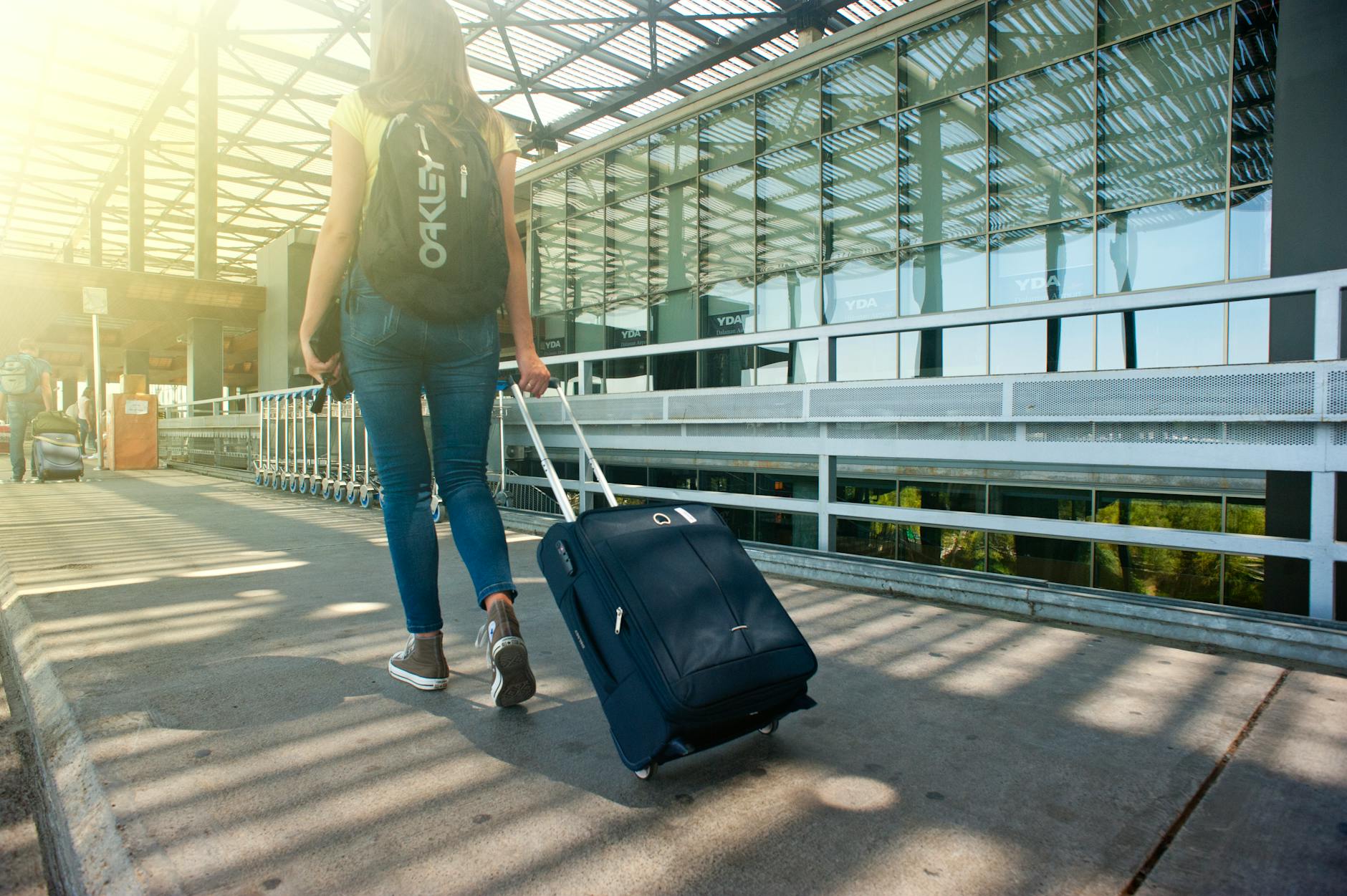
Travelling with Bitcoin on a laptop creates a specific set of risks that most security guides never address. Your machine crosses borders, connects to unfamiliar networks, sits in overhead compartments, and ends up on hotel desks where strangers walk past. Every one of those moments is an opportunity for something to go wrong. The good news is that the countermeasures are practical and don't require any specialised hardware beyond what most Bitcoin holders already own.
Why a travel laptop is a different threat environment
At home, your laptop sits on a network you control, in a physical space you secure. On the road, none of that applies. Hotel Wi-Fi is run by third parties. Airport charging stations have introduced malware through USB ports, a technique called "juice jacking." Customs officials in some countries have the authority to inspect devices at the border, including demanding passwords. Theft is faster and harder to prevent in crowded transit environments.
These aren't hypothetical edge cases. They're documented attack vectors that Bitcoin holders face on every international trip. Understanding them is step one. Step two is building a setup that limits your exposure before you leave home.
Before you travel: set up the laptop correctly
The most important preparation happens at home, not at the gate.
Enable full-disk encryption before you travel. On macOS, this is FileVault. On Windows, it's BitLocker. If your laptop is stolen or seized, full-disk encryption means the contents are unreadable without your password. Without it, anyone with physical access can extract your data in minutes using a bootable drive.
Use a strong, unique login password. A four-digit PIN is not adequate for a device carrying Bitcoin access. Twelve characters minimum, mixing letters, numbers, and symbols. Don't use the same password you use for your exchange account or wallet software.
Remove stored wallet credentials before departure. Don't travel with your seed phrase stored digitally on the device, in any form. No photos of it, no notes app entry, no encrypted file named "seed." If border officials compel access and find it, your funds are compromised. Store your seed phrase on a physical metal backup at home, secured separately. For more on what a seed phrase is and why its storage matters, see our guide on what a seed phrase is and why it matters.
Install a reputable VPN and test it before you fly. A VPN encrypts your traffic on untrusted networks, which is the baseline protection when you're connecting through hotel routers and airport hotspots. Choose a provider with a no-logs policy and connect to it before you open any Bitcoin-related browser tab or app. Our full breakdown of how to safely use a VPN with Bitcoin covers which features matter most.
On the road: habits that protect your funds
Good setup gets you most of the way there. Good habits close the gap.
Never plug into public USB ports. Use your own charger, plugged directly into a power outlet. If you must charge via USB, carry a charge-only cable or a USB data blocker, which are small, cheap adapters that physically disable the data pins.
Don't access your Bitcoin wallet on shared or hotel-provided computers. This rule is absolute. Shared machines can run keyloggers, have compromised browsers, and lack any meaningful security. If you need to check something quickly, use your phone with mobile data instead.
Lock your screen every time you step away. Set auto-lock to activate after 60 seconds or less. In a hotel lobby or café, that's all the time someone needs to sit down and start accessing your files if the machine is unlocked.
Be cautious about what you do on the laptop in border zones. Some countries require travellers to unlock devices on request. If you're crossing into a jurisdiction with aggressive border search powers, consider logging out of exchange accounts and wallet software before you reach the checkpoint, and re-authenticating after you clear customs.
Wallet access while travelling: keep it minimal
The safest approach to Bitcoin while travelling is to keep only a small spending amount accessible on your hot wallet and leave the bulk of your holdings in cold storage at home. Think of it the same way you'd think about cash: you carry a wallet with enough for the trip, not your entire savings.
If you need to access larger amounts, use a hardware wallet that you carry separately from your laptop. A hardware wallet stores your private keys offline and requires physical confirmation of any transaction. Even if your laptop is compromised, an attacker can't move funds without the physical device.
For anything you do access on the laptop, use two-factor authentication on every account. Avoid SMS-based 2FA if possible, an authenticator app tied to your phone is significantly harder to intercept remotely. This is especially important given that SIM swap attacks are more likely to succeed when you're roaming on an unfamiliar carrier.
After the trip: what to do when you're home
Once you're back, don't just assume everything is fine. Run a full malware scan before reconnecting to your home network. Change your exchange and wallet passwords if you accessed them while abroad. Check your transaction history for any activity you don't recognise.
If you suspect the laptop was physically accessed without your permission, such as after a hotel room was entered while you were out, treat the device as potentially compromised. Change all credentials from a separate, trusted device before using it for Bitcoin activity again.
Wipe and reinstall the operating system if you have any serious doubts. It's an inconvenience that takes a few hours. Losing your Bitcoin takes seconds.
The core principle: reduce what's exposed
Every security measure above follows the same logic: reduce the attack surface. Full-disk encryption limits physical access attacks. A VPN limits network-level interception. Minimal wallet balances limit losses if something does go wrong. No stored seed phrases on the device removes the most catastrophic possible outcome.
Bitcoin security on a travel laptop isn't about paranoia. It's about matching your precautions to the actual risk level of the environment you're in. A shared hotel network in a foreign city is a different environment than your home setup, and it deserves a different level of care.