
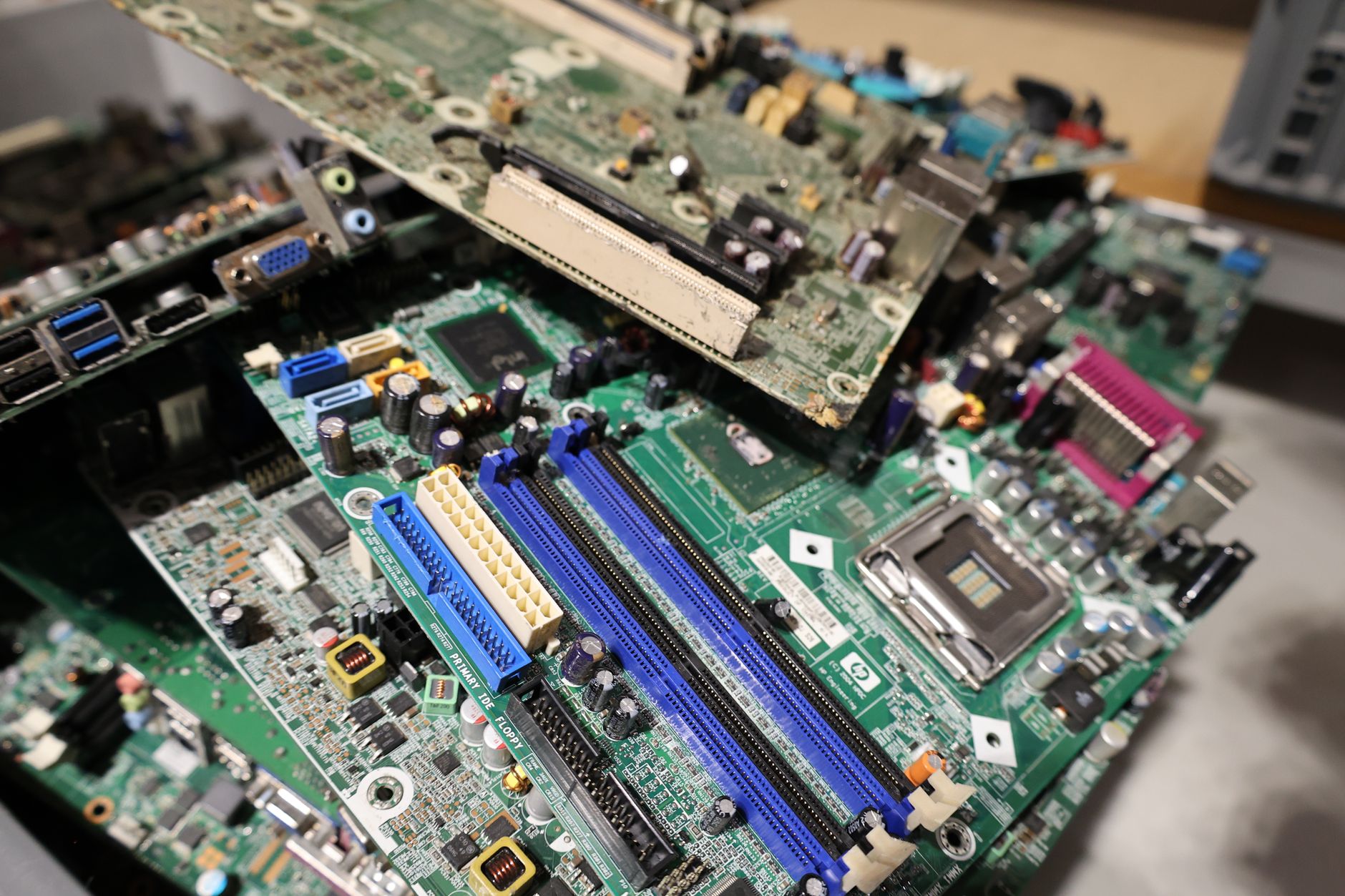
Most Bitcoin security advice focuses on the moment you set a wallet up. Almost none of it covers what happens when you're done with the device that held it. An old Android phone, a retired laptop, a hardware wallet you've upgraded away from: each one can still contain enough information to drain your funds if it reaches the wrong person. Disposing of old Bitcoin wallet devices safely is a step most holders skip entirely, and it's a genuine risk.
Why old devices are a security problem
A factory reset is not the same as a secure wipe. On most consumer devices, a standard reset leaves data intact on the storage chip and simply removes the pointers that let the operating system find it. Forensic recovery software can reconstruct that data in minutes. If your wallet app, private key file, or seed phrase backup ever touched that device, the information can come back.
The threat isn't hypothetical. Second-hand electronics markets are a known hunting ground for opportunists who buy bulk lots of wiped devices and run recovery tools across the whole batch. Your old phone sold for $80 on Facebook Marketplace could hand someone the keys to a much larger sum. Understanding the difference between cold wallets and hot wallets matters here: a hot wallet app on a phone creates a far larger footprint than a hardware wallet, but neither device is safe to hand over without proper preparation.
Step one: move your funds before touching anything else
Before you do anything to the device, send all Bitcoin to a new wallet on a new device. Don't wipe first. Wiping a device while funds remain in a wallet you haven't backed up elsewhere is one of the fastest ways to lose Bitcoin permanently. Confirm the transaction has at least 3 confirmations before you proceed. Only then should you start the disposal process.
How to wipe each device type properly
Smartphones (Android and iOS)
For Android devices, enable full-disk encryption before performing a factory reset. On most modern Android phones, encryption is on by default, but check your security settings to confirm. Once encrypted, run the factory reset from the settings menu. The encrypted data left on the chip is unreadable without the key, which the reset destroys. For older Android phones (pre-2015 models), the encryption step is not optional: skip it and the reset alone won't protect you.
On iPhone, a standard Erase All Content and Settings wipe is sufficient from iOS 8 onwards, because Apple encrypts the storage by default and the erase destroys the encryption key. The data left behind is ciphertext with no usable key.
Laptops and desktop computers
A standard operating system reinstall does not wipe the drive securely. Use dedicated software. On Windows, BitLocker encryption followed by a full format gives you solid protection. On macOS, the built-in Disk Utility Erase function with the Security Options set to at least one pass of random data will do the job on older spinning hard drives. For solid-state drives (SSDs), the manufacturer's secure erase tool is more reliable than software overwrites, because SSDs manage writes differently and a multi-pass overwrite doesn't reach all cells.
If the device is old enough that you can't verify the wipe worked, physical destruction of the drive is the cleaner option. A hard drive that's been drilled through four times across the platters cannot be recovered. SSDs require shredding or degaussing to achieve the same result.
Hardware wallets
Hardware wallets from Ledger and Trezor store private keys inside a secure element chip, not on the device's general storage. The correct process is to use the device's own factory reset function, which wipes the secure element. After the reset, the device will ask for your seed phrase to restore a wallet. Without the phrase, it's a blank device. That said, don't sell a hardware wallet with the assumption that the buyer can't do anything with it. They can load their own seed, but they shouldn't be able to access yours. Confirm the reset worked by powering it on and verifying it prompts for seed phrase entry before you hand it over.
One thing worth knowing: your seed phrase protects your Bitcoin regardless of whether the hardware wallet is destroyed or stolen. As long as your seed phrase storage is secure, a compromised device on its own doesn't lose you funds. The device is a tool; the seed phrase is the actual key.
What to do with the physical device after wiping
Selling is fine once you've verified the wipe. Recycling is also fine, and many Australian electronics retailers run take-back programs. Planet Ark's Recycling Near You directory lists certified e-waste drop-off points across every state.
If the device held a significant amount of Bitcoin at any point and you can't verify the wipe succeeded (because the device is damaged, for example), physical destruction is the safest choice. The cost of replacing a $300 old phone is trivial compared to the cost of a recoverable key. Drill the storage, cut the SIM card, and drop both at an e-waste facility separately.
The habit to build
Treat every device that has ever touched a Bitcoin wallet as sensitive hardware for its entire life. That means encrypting it from the moment you use it for crypto, so that any future disposal is simpler. It means keeping a record of which devices have held which wallets, so nothing gets overlooked when you upgrade. And it means never assuming a factory reset is enough without checking the specific process for that device's operating system and age.
Device disposal is a one-time event for any given piece of hardware, but the consequences of getting it wrong don't have a time limit. A device wiped carelessly in 2026 can still expose a key in 2030 if the right person gets hold of it.