
Guest Wi-Fi networks are everywhere: hotel lobbies, co-working spaces, airport lounges, café counters. They feel harmless. You tap in the password from the chalkboard, get a signal, and carry on. But for Bitcoin holders, a guest Wi-Fi session handled carelessly can expose wallet addresses, login credentials, and transaction details to anyone else on the same network. The risks are specific and avoidable, and knowing them takes about ten minutes to understand.
Why guest Wi-Fi is different from your home network
Your home router sits behind a configuration you control. Guest networks don't. When you connect to a guest Wi-Fi network at a hotel or café, you're sharing that network segment with every other device in the building. Some guest networks isolate devices from each other properly. Many don't.
The two threats worth knowing are passive sniffing and active man-in-the-middle attacks. Passive sniffing captures unencrypted data flowing across the network. An attacker doesn't need to do anything clever: they just run packet-capture software and wait. Active attacks are more targeted. An attacker positions their device between yours and the router, intercepting and sometimes modifying traffic before it reaches its destination.
Neither requires physical access to your device. Both require only that you're on the same network. Most Bitcoin-related apps and websites now use HTTPS, which encrypts traffic in transit, but HTTPS alone doesn't protect you from every scenario on a hostile network. Session hijacking, SSL stripping on poorly configured older services, and fake captive portals that mimic legitimate login pages are all documented and real.
What you should always do before connecting
Confirm the network name directly with a staff member. Attackers frequently set up rogue hotspots named "Hotel_Guest_WiFi" or "CafeWiFi_Free" to match what visitors expect to see. The real network and the fake one look identical in your device's settings. Ask a staff member to spell out the exact SSID before you connect.
Turn off automatic Wi-Fi joining on your device. iPhones and Android phones set to auto-join can silently connect to a previously visited network or a rogue one sharing the same name. On iOS, go to Settings, Wi-Fi, and disable "Auto-Join" for saved networks you don't fully trust. On Android, manage saved networks under Wi-Fi preferences.
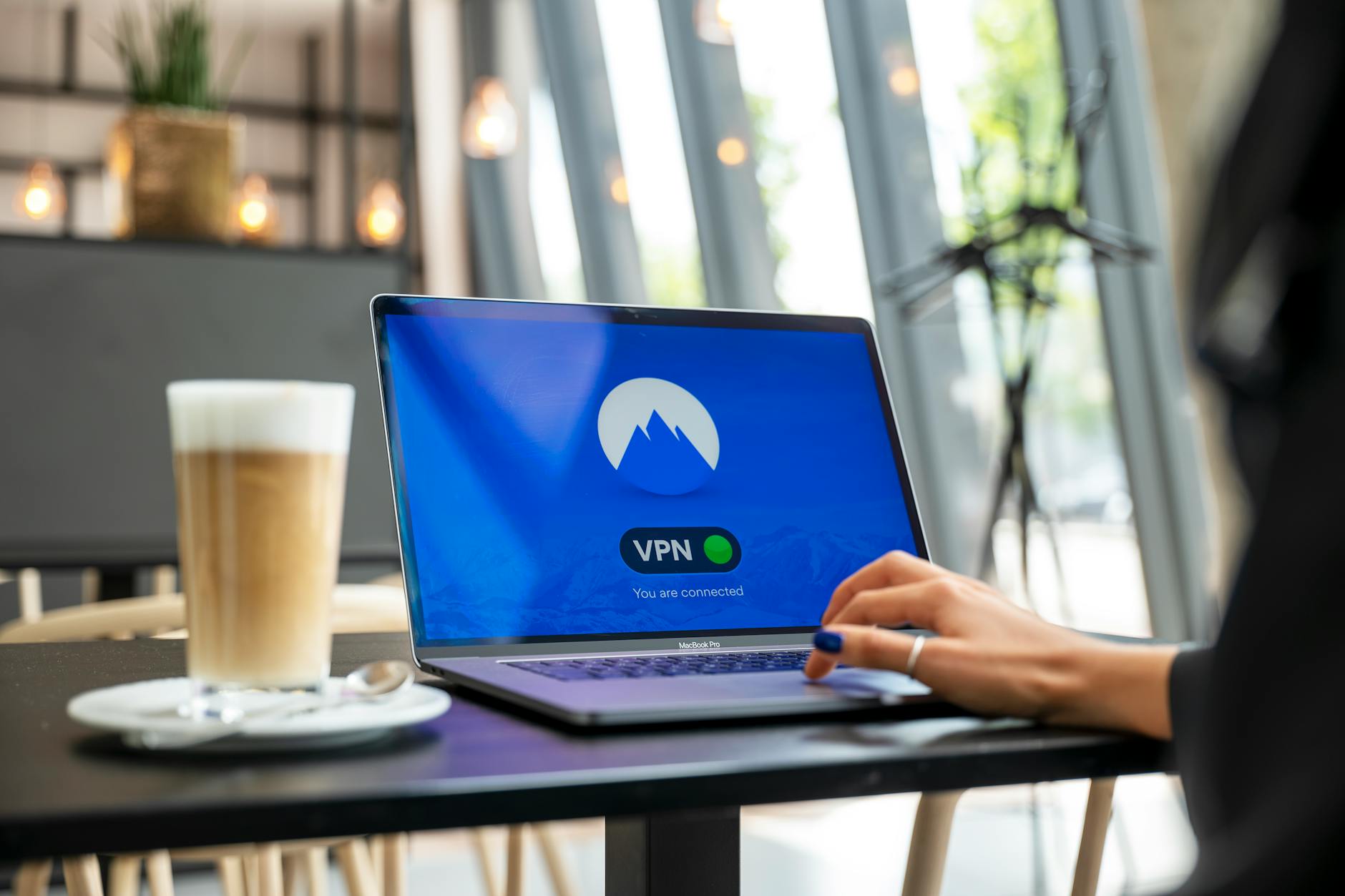
Use a VPN. A VPN adds a meaningful layer of privacy to your Bitcoin activity by encrypting all traffic from your device before it leaves the network. On a guest Wi-Fi network, this means an attacker capturing packets sees encrypted noise rather than readable data. Choose a VPN with a no-logs policy, based in a jurisdiction with strong privacy laws. Connect to the VPN before you open any Bitcoin app or exchange.
What you should never do on a guest network
Don't enter your seed phrase anywhere. Ever. On any network. But especially not on a guest one. If a site or app asks for your seed phrase during a session, close the browser immediately. That's a phishing attempt. Legitimate wallets never ask for the full phrase to log in or confirm a transaction. If you need a reminder of why the seed phrase matters so much, the guide on what a seed phrase is and how to protect it explains exactly what's at stake.
Don't approve large outgoing transactions. Guest networks are not the place to send significant amounts of Bitcoin. If a transaction must be made, do it over mobile data instead. Your phone's 4G or 5G connection isn't routed through shared local hardware, which removes most of the guest Wi-Fi risk profile entirely.
Don't leave sessions open when you step away. Log out of exchange accounts and wallet apps when you close your laptop or put your phone down. Authenticated sessions can be hijacked if your device reconnects to a malicious network. Logging out costs thirty seconds. Recovering a compromised account costs far more.
Specific steps for Bitcoin apps on guest Wi-Fi
Software wallets on your phone or laptop connect to the Bitcoin network through servers. On a guest Wi-Fi, those connections can theoretically be observed. The wallet data itself stays encrypted on your device, but metadata, including wallet server requests and IP addresses, can be visible. Use your VPN before opening the wallet app. If the wallet supports connecting to your own node, that's preferable to relying on a public server over an untrusted network.
Exchange logins are the higher-risk action. Use two-factor authentication. The guide on what two-factor authentication is and why it matters covers the options clearly: an authenticator app is significantly more secure than SMS-based 2FA, which is vulnerable to SIM swap attacks regardless of what network you're on.
Check the URL bar every time you load an exchange or wallet site on a guest network. Phishing pages often use domains that look almost right: a capital "I" substituted for a lowercase "l", a hyphen inserted mid-word, or a different TLD. These pages are sometimes served through captive portal injection, where the network itself redirects your browser before you reach the legitimate site.
Mobile data as a fallback
The simplest rule for guest Wi-Fi and Bitcoin is this: if you can use mobile data, use it. Guest networks add attack surface that mobile data doesn't. Hotspotting from your phone costs a small amount of data, but it keeps your Bitcoin session entirely off the shared network. For anything involving wallet access, transaction signing, or exchange login, mobile data is the safer default.
If you're in a location where mobile signal is weak and guest Wi-Fi is the only option, use a VPN, stick to read-only actions where possible (checking balances rather than sending), and log out completely when done. Avoid storing your exchange password in the browser on a shared or unfamiliar device.
Guest Wi-Fi risk sits alongside other shared-environment risks covered in the guide to Bitcoin safety on shared home networks. The core principle is the same: you control your keys and your wallet, but you don't control the network, so the network deserves the same scepticism you'd give a stranger.
A quick pre-session checklist
- Confirm the network name with a staff member before connecting.
- Connect to your VPN before opening any Bitcoin app or exchange site.
- Disable auto-join for untrusted networks on your device.
- Use an authenticator app for 2FA, not SMS.
- Prefer mobile data for any transaction that moves funds.
- Log out of all Bitcoin-related accounts when finished.
Guest networks are a convenience, not a right. Treating them like a public space rather than a trusted one keeps your Bitcoin where it belongs.